Adalo: Full Review & Alternatives (2026)
A visual mobile app builder for simple native apps, prototypes, and early consumer MVPs.
Visit Website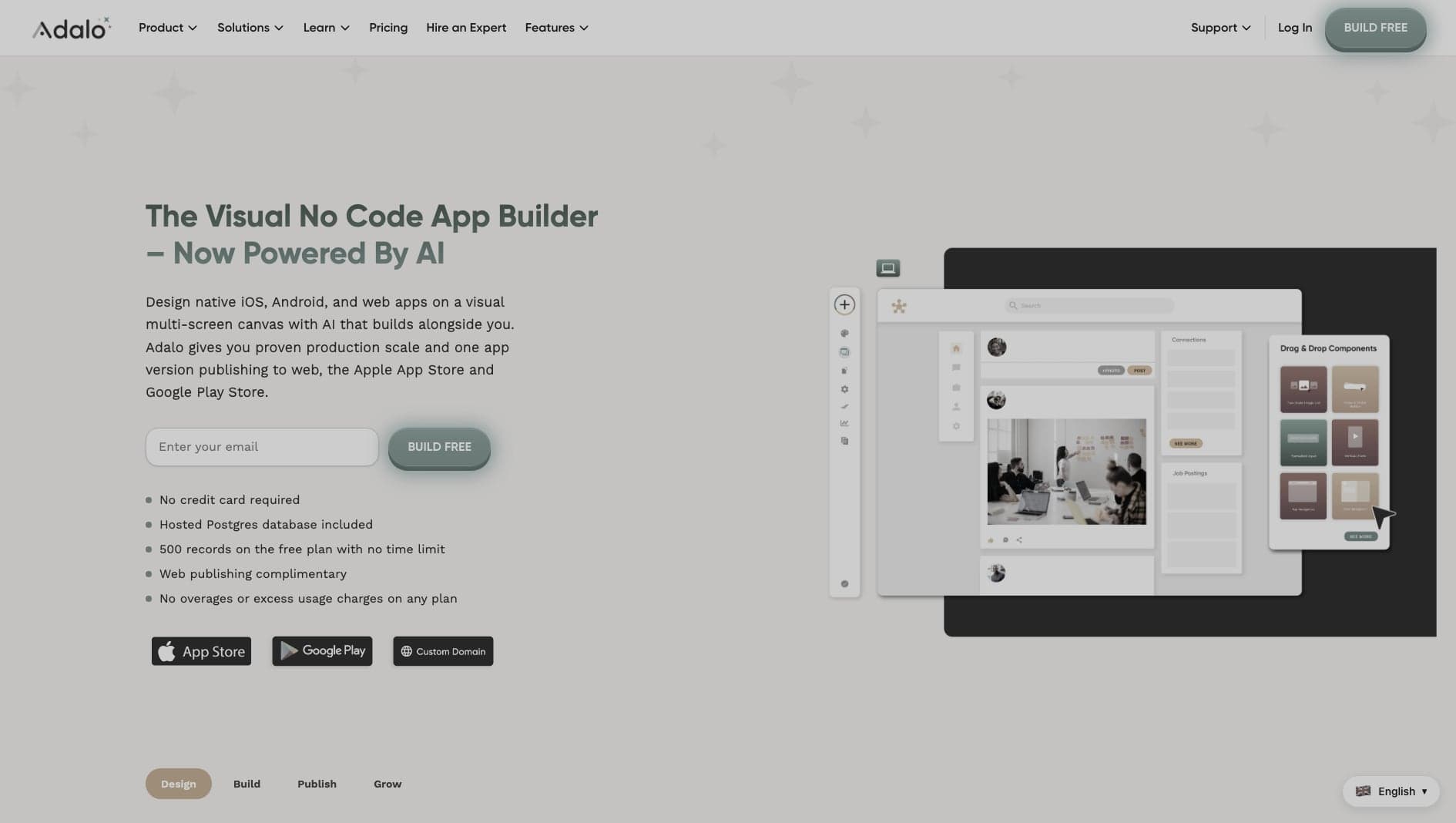
Key Features
App Stores
Publish directly to the Apple App Store and Google Play.
Visual UI
Drag-and-drop interface similar to design tools.
Components
Marketplace of custom pre-built components.
Pros & Cons
What we love
- Easy App Store publishing
- Intuitive drag-and-drop
- Good for consumer MVPs
Where it falls short
- Performance can be sluggish
- Limited backend scaling
Detailed Review
Adalo sits in the middle of the mobile builder market. It is easier to approach than FlutterFlow and gives more visual control than highly template-driven tools, which makes it useful for founders validating simple native app ideas.
The editor feels familiar if you have used design tools: you create screens, place components, and connect navigation flows visually. Adalo also includes a built-in database and user authentication, so a small app can come together without a separate backend.
The main limitation is scale. Performance and data complexity can become issues as an app grows. Adalo is best for prototypes, simple consumer apps, and MVPs where learning quickly matters more than long-term technical flexibility.
Frequently Asked Questions
Does Adalo output native code?
Adalo uses React Native under the hood, but you do not get access to the source code.
Can I use an external database?
Yes, you can connect external APIs, though their built-in database is easier for beginners.
How hard is it to publish to the App Store?
Adalo simplifies the process significantly, providing step-by-step guides for Apple and Google publishing.