Bravo Studio: Full Review & Alternatives (2026)
A mobile app builder that turns Figma designs into native apps connected to APIs and backend services.
Visit Website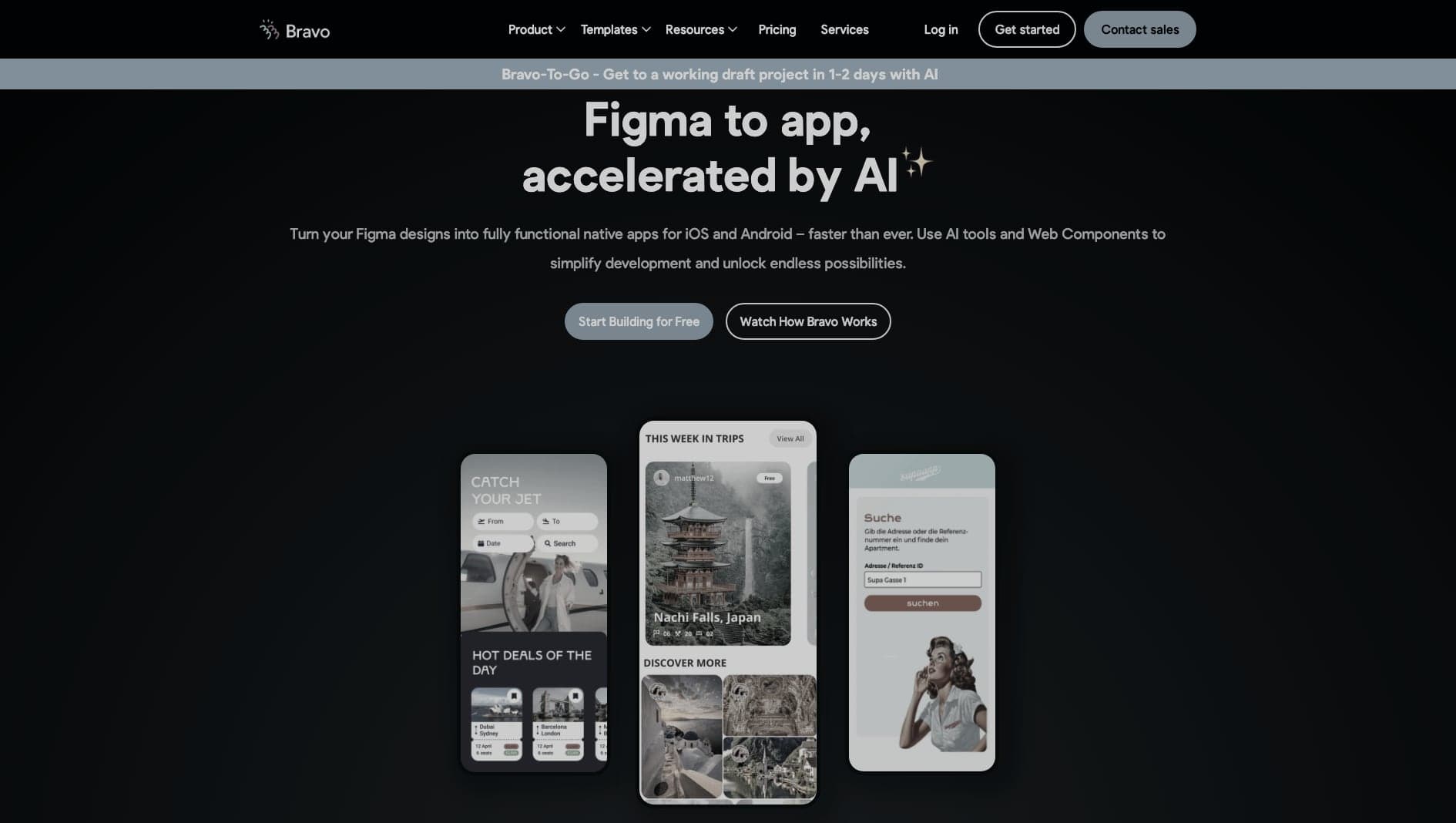
Key Features
Figma Import
Convert carefully prepared Figma designs into app screens.
Integrations
Connect app screens to REST APIs and external services.
Native Apps
Publish iOS and Android apps from the same design workflow.
Pros & Cons
What we love
- High-fidelity Figma imports
- Native performance
- Connects to any REST API
Where it falls short
- Requires deep Figma knowledge
- Logic is handled entirely on the backend
Detailed Review
Bravo Studio is useful for teams that already design mobile experiences in Figma and want to turn those designs into working native apps. The workflow is design-first: structure the Figma file correctly, import it, then connect screens to APIs and app logic.
That makes it appealing for prototypes, design-led MVPs, and apps where visual fidelity matters. Designers can preserve more of the original interface than they would in many template-based mobile builders.
The main limitation is that Bravo relies heavily on the quality of the Figma setup and the backend behind it. It is not an all-in-one app platform; it works best when the design system and API layer are already planned.
Frequently Asked Questions
Is Bravo Studio good for beginners?
It can be approachable for designers who know Figma well, but clean file structure and a basic understanding of APIs are important.
Can I export source code from Bravo Studio?
Bravo Studio is mainly built around publishing apps from the platform rather than owning a fully exported codebase.
Does Bravo Studio include a backend?
No. Bravo Studio focuses on the app interface and API connections, so you will usually pair it with an external backend or backend-as-a-service.