Builder.io: Full Review & Alternatives (2026)
A visual CMS for teams that want marketers to edit pages inside an existing frontend stack.
Visit Website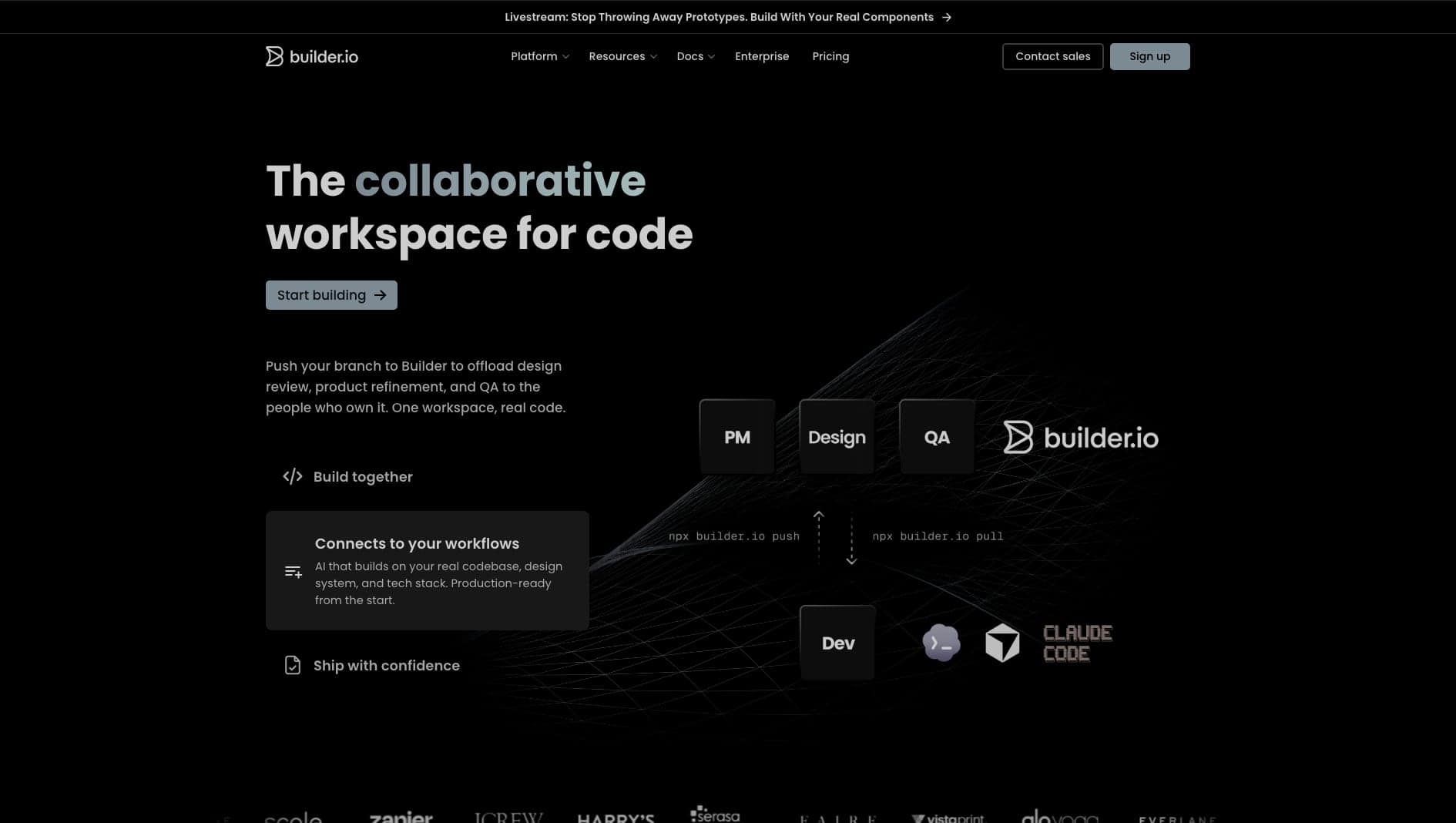
Key Features
Visual CMS
Content management with a visual page editor.
Headless
Connects effortlessly to any modern frontend framework.
A/B Testing
Built-in experimentation and optimization tools.
Pros & Cons
What we love
- Works with any tech stack
- Visual A/B testing built-in
- Great enterprise CMS features
Where it falls short
- Integration requires developer setup
- Can be pricey for small projects
Detailed Review
Builder.io sits between a headless CMS and a visual page builder. Instead of only storing fields and rich text, it lets non-engineering teams compose full sections that render inside an existing React, Next.js, Vue, or other frontend application.
That makes it attractive for ecommerce, growth, and marketing teams that need to publish and test pages without waiting for every layout change to become an engineering ticket. Features like personalization and experimentation are useful when content operations are part of the revenue workflow.
The setup still needs developers. Teams have to integrate the SDK, define components, and decide which parts of the site should be editable. Builder.io works best when that boundary is clear: developers own the system, marketers own the content and page assembly.
Frequently Asked Questions
How is Builder.io different from WordPress?
WordPress tightly couples your backend and frontend. Builder.io is purely headless—it connects to your existing React/Next.js/Vue tech stack via an SDK, allowing your developers full control over performance.
Can I use my own React components in Builder.io?
Yes. Developers can register React components, then marketing or content teams can use those approved components inside Builder's visual editor.
Is Builder.io good for A/B testing?
Yes. Builder.io includes visual testing and personalization features, which can be helpful for teams that run frequent landing page or ecommerce experiments.