Notion: Full Review & Alternatives (2026)
An all-in-one workspace for notes, docs, wikis, lightweight databases, and team knowledge.
Visit Website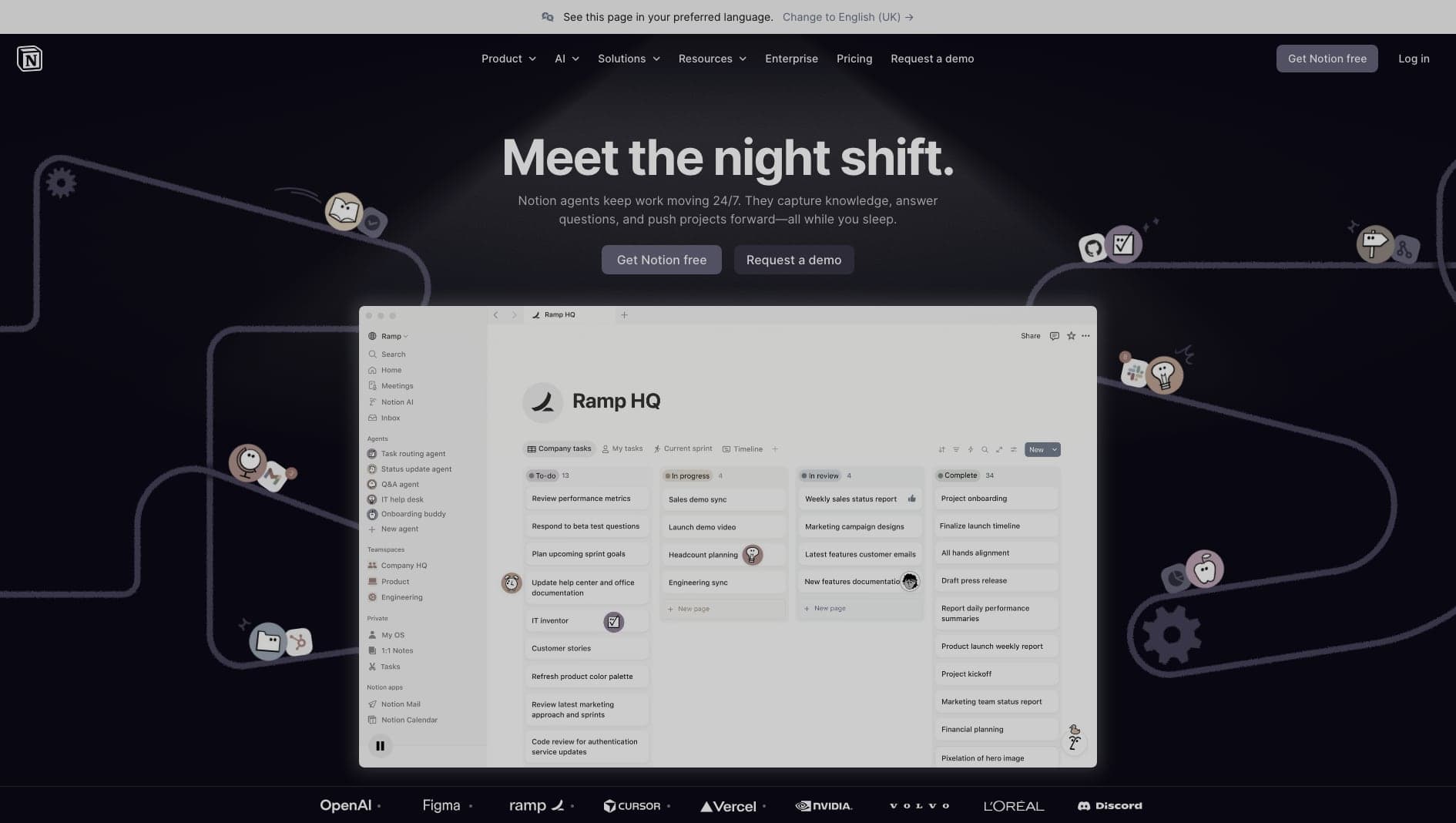
Key Features
Docs & Wikis
Organize team knowledge with pages, nested docs, and databases.
Integrations
Connect Notion to other tools through integrations and automation platforms.
Templates
Start from reusable systems for tasks, notes, projects, and content.
Pros & Cons
What we love
- Flexible workspace model
- Clean block-based editor
- Huge template ecosystem
Where it falls short
- Can become disorganized quickly
- Not a true relational database for apps
Detailed Review
Notion is more of a workspace than an app builder, but it often becomes the first database-like system a team adopts. It is useful for documentation, content planning, lightweight CRMs, task tracking, and internal knowledge bases.
The block editor makes it easy to mix writing, structured data, embeds, and views in the same place. That flexibility is why teams often use Notion before they know exactly what process they need.
The same flexibility can become messy. Notion is not a production database or backend for complex apps, and large workspaces need naming conventions, ownership, and cleanup. It works best as a collaborative operating system for knowledge and lightweight workflows.
Frequently Asked Questions
Is Notion good for beginners?
Yes. Notion is approachable for individuals and teams, though larger workspaces need clear structure to stay organized.
Can I export content from Notion?
You can export content and use the API, but a heavily customized Notion workspace can still take effort to recreate elsewhere.
Can Notion replace a database?
It can replace a lightweight operational database for many teams, but it is not a backend for complex production applications.