Thunkable: Full Review & Alternatives (2026)
A beginner-friendly mobile app builder with visual design tools and block-based logic.
Visit Website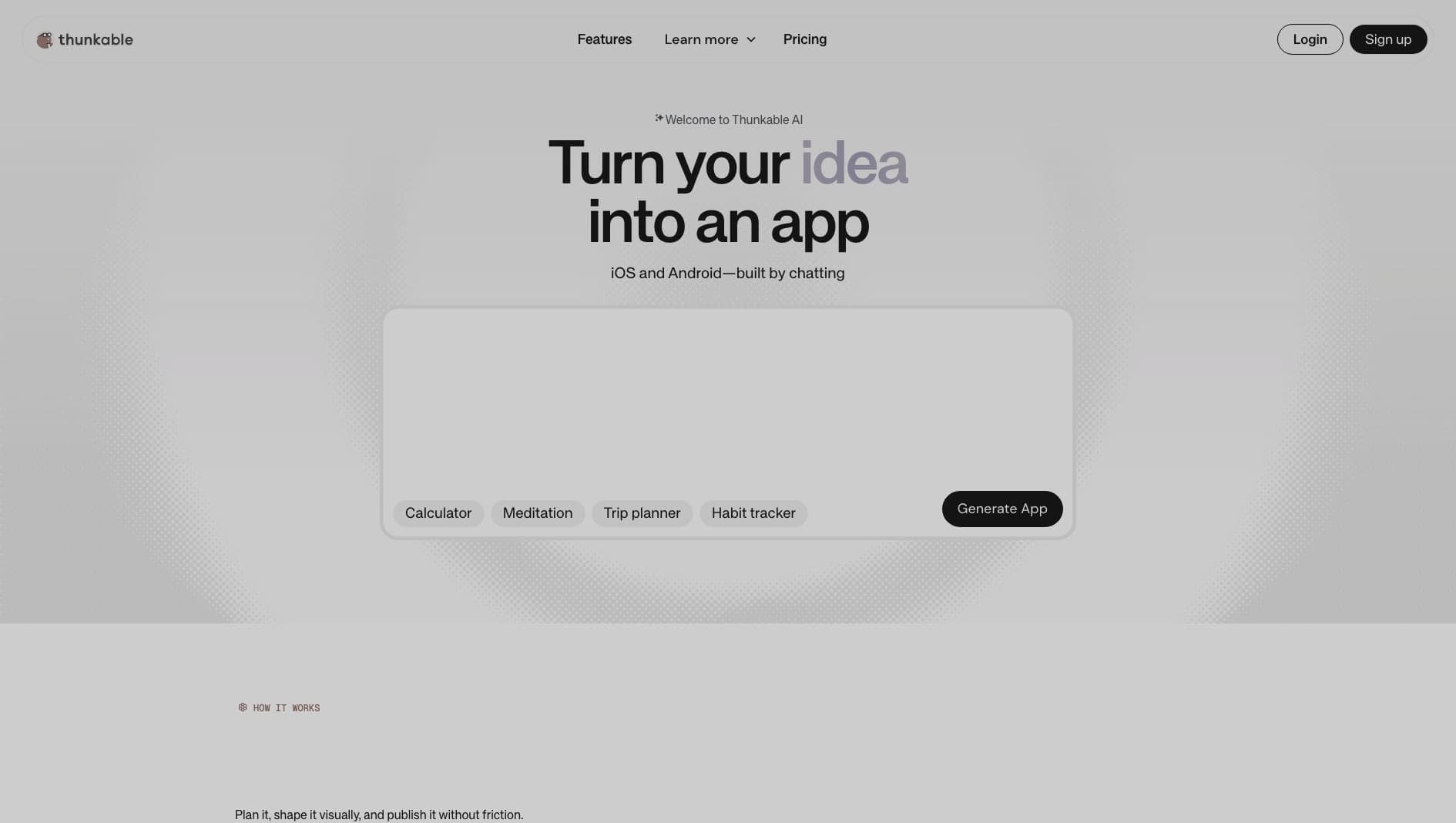
Key Features
Drag-and-Drop UI
Design mobile screens visually with prebuilt components.
Integrations
Connect APIs, data sources, and device features.
Block Logic
Build app behavior with approachable visual blocks.
Pros & Cons
What we love
- Great for educational purposes
- Block-based logic is easy to learn
- Cross-platform generation
Where it falls short
- Not suited for complex professional apps
- UI can look dated
Detailed Review
Thunkable is one of the more approachable ways to build a simple mobile app visually. Its drag-and-drop interface and block-based logic make it useful for education, prototypes, and lightweight apps where the goal is to learn or validate an idea quickly.
It can connect to APIs and device features, so it is more capable than a pure mockup tool. Beginners can build real flows without learning a traditional mobile framework first.
The limitation is professional depth. Complex app architecture, highly custom interfaces, and demanding performance requirements are better served by tools like FlutterFlow or a custom React Native or Flutter build.
Frequently Asked Questions
Is Thunkable good for beginners?
Yes. Thunkable is one of the friendlier options for beginners, especially because its logic system is visual.
Can I export source code from Thunkable?
Thunkable is mainly a hosted app builder. If source-code ownership is important, review its current export and publishing options before committing.
Is Thunkable good for production apps?
It can work for simpler production apps, but complex or performance-sensitive products will usually need a more developer-oriented stack.