Airtable: Full Review & Alternatives (2026)
A flexible database-spreadsheet hybrid for teams organizing workflows, content, and lightweight internal apps.
Visit Website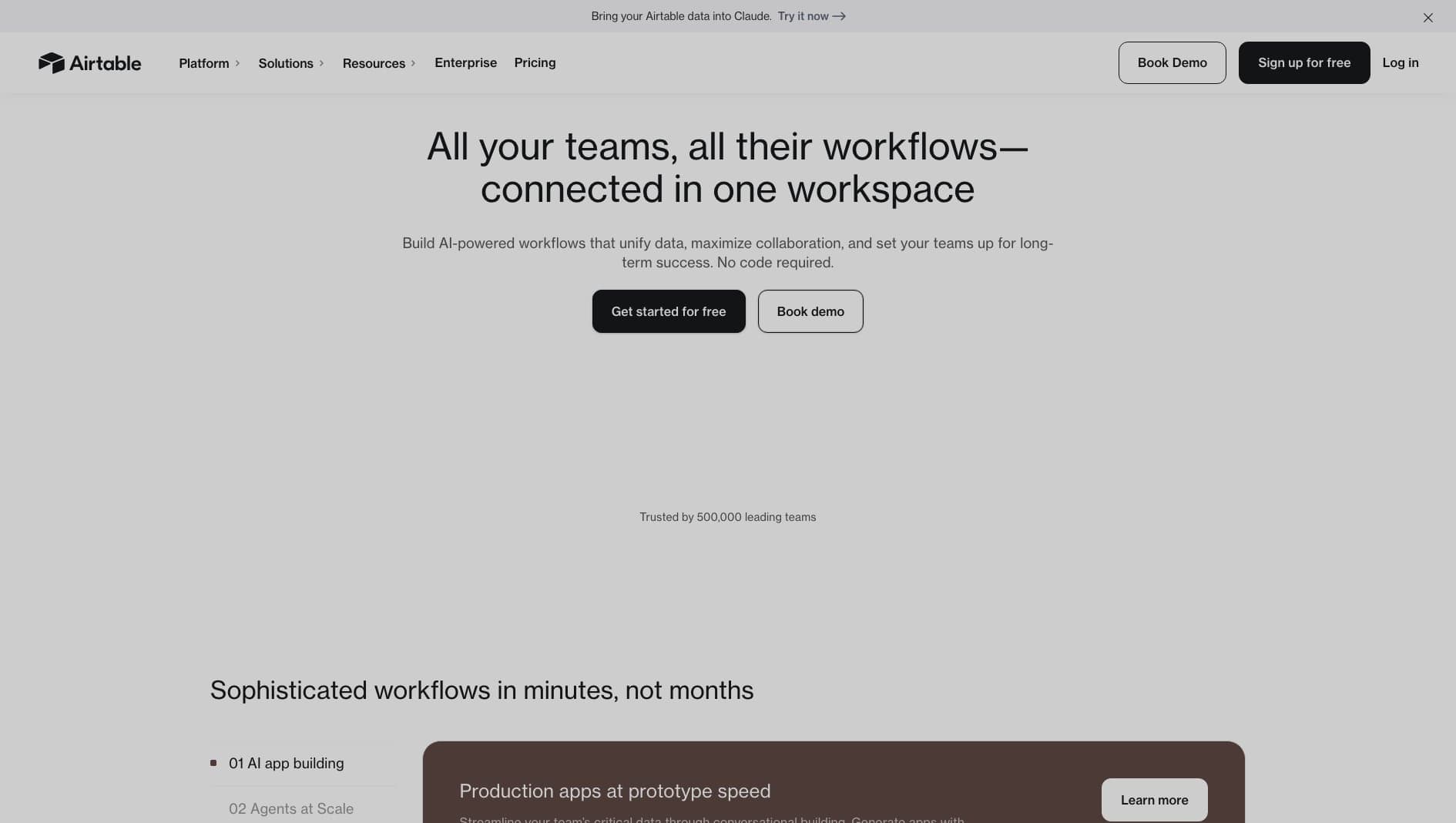
Key Features
Database Views
Switch between grid, kanban, calendar, gallery, and form views.
Integrations
Connect to popular tools and automate routine updates.
Interfaces
Build lightweight apps and dashboards on top of your bases.
Pros & Cons
What we love
- Intuitive interface
- Large template library
- Useful automation features
Where it falls short
- Record limits on lower tiers
- Not a true backend for complex apps
Detailed Review
Airtable is useful when a spreadsheet has become too important, too connected, or too collaborative to remain a simple spreadsheet. Teams use it for content calendars, lightweight CRMs, project tracking, operations workflows, and internal databases.
Its strength is approachability. Non-technical users can understand the grid view immediately, while more advanced teams can add linked records, automations, permissions, interfaces, and API integrations.
Airtable is not a replacement for a production backend in a complex app. Record limits, permission models, and performance constraints matter as usage grows. It is best for operational workflows and internal tools where flexibility matters more than strict application architecture.
Frequently Asked Questions
Is Airtable good for beginners?
Yes. Airtable starts with a familiar spreadsheet-style grid, then adds database features as your workflow becomes more structured.
Can I export my data from Airtable?
Yes. You can export data and use Airtable's API, though the surrounding workflows and interfaces may still take work to recreate elsewhere.
Can Airtable replace a backend?
Usually not for complex products. It is excellent for operational data and internal workflows, but production apps often need a dedicated backend.