AppSheet: Full Review & Alternatives (2026)
Google's intelligent no-code platform for building internal mobile and web apps from spreadsheets.
Visit Website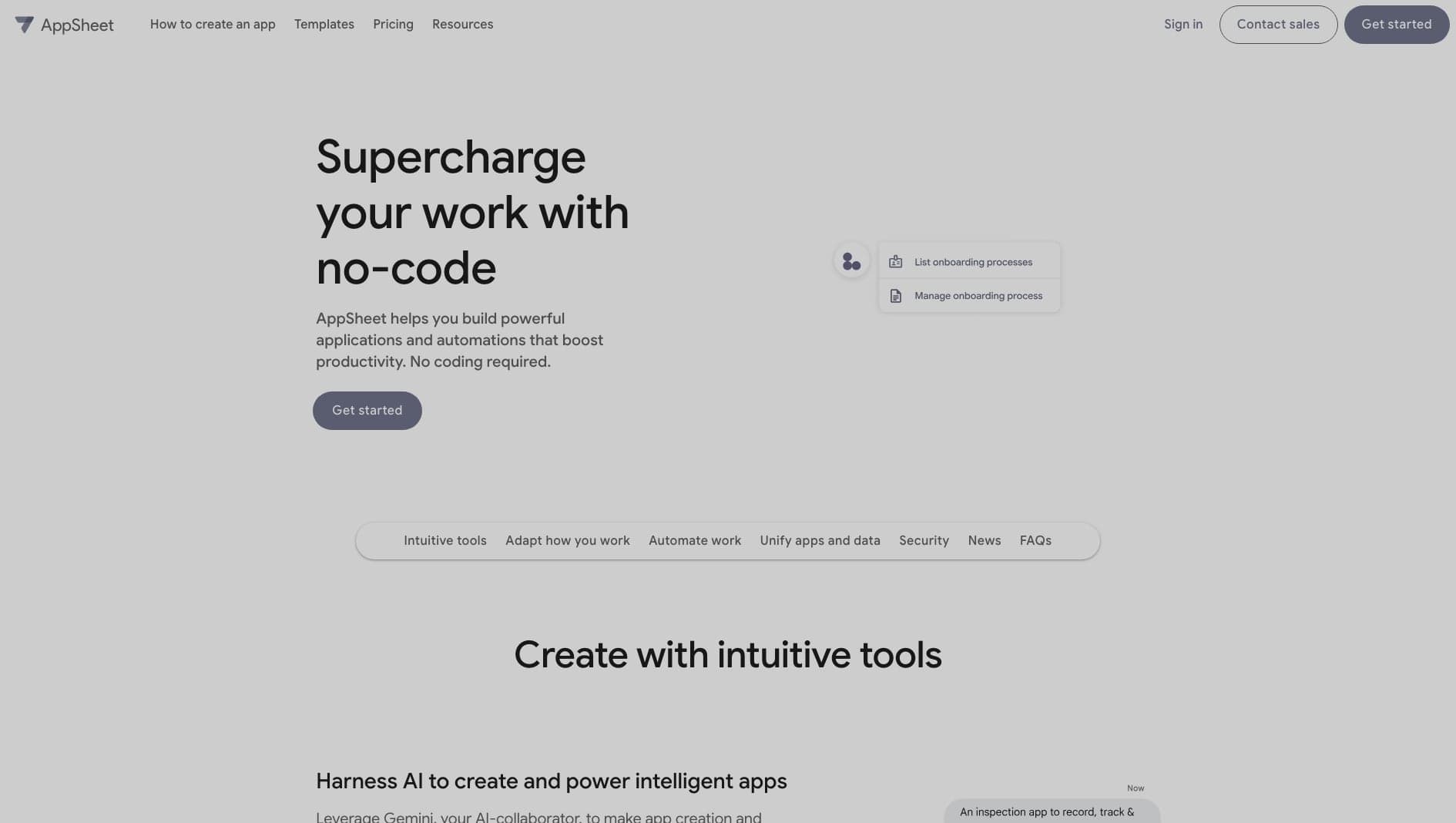
Key Features
Data Driven
Instantly generate apps from Google Sheets or Excel.
Offline Mode
Apps work fully offline and sync when connected.
Automation
Built-in workflow automation and bot triggers.
Pros & Cons
What we love
- Useful for field teams
- Deep Google Workspace integration
- Zero UI design needed
Where it falls short
- Very limited UI customization
- Not for consumer apps
Detailed Review
AppSheet is built for turning structured data into internal apps quickly. It is a good fit for operations teams, field workers, logistics processes, inspections, and approval workflows where the app mostly needs to collect, update, and sync business data.
Its biggest advantage is how data-driven it is. Connect a spreadsheet or database, and AppSheet can generate a working mobile-friendly interface with offline access, barcode scanning, signatures, and location capture.
The downside is design flexibility. AppSheet is not where you go for a highly custom consumer experience. It is strongest when reliability, offline usage, and speed matter more than a bespoke interface.
Frequently Asked Questions
Is AppSheet only for Google Sheets?
No. Google Sheets is a common starting point, but AppSheet can also connect to Excel, SQL databases, Salesforce, and other business data sources.
Can I put an AppSheet app on the App Store?
No. AppSheet apps are typically distributed internally via the AppSheet host app.
Does it work offline?
Yes, offline functionality is one of AppSheet's strongest features, making it ideal for field work.