Make.com: Full Review & Alternatives (2026)
A visual automation platform for connecting apps, transforming data, and building multi-step workflows.
Visit Website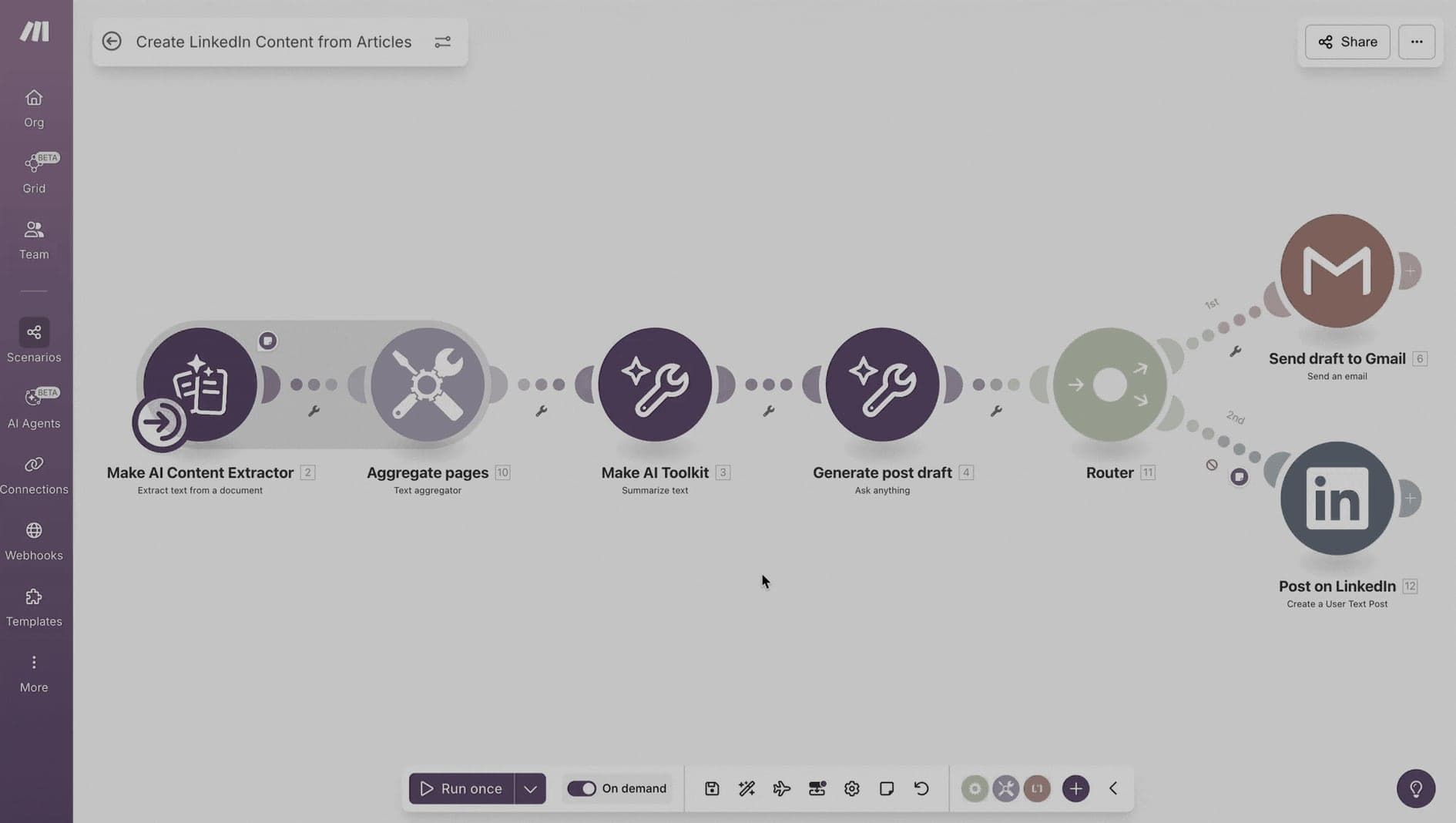
Key Features
Scenario Builder
Design automation flows visually with branches, routers, and filters.
Integrations
Connect popular SaaS tools, APIs, webhooks, and databases.
Data Tools
Transform, filter, aggregate, and route data between systems.
Pros & Cons
What we love
- Visual workflow builder is excellent
- Flexible workflow control
- Advanced routing logic
Where it falls short
- Steeper learning curve than Zapier
- Error handling can be tricky
Detailed Review
Make.com is a good fit for teams that need more control than a simple trigger-action automation. Its visual scenario builder makes branching, filtering, and data transformation easier to understand than reading a long chain of scripts.
It works well for operational workflows: syncing CRM records, routing leads, enriching data, sending notifications, and connecting tools that do not talk to each other cleanly. The canvas makes it easier to see where data moves and where a workflow might fail.
Make.com has a steeper learning curve than Zapier, especially for non-technical users. In exchange, it usually gives more control over complex workflows and can be more cost-effective for teams with high automation volume.
Frequently Asked Questions
Is Make.com good for beginners?
Yes, though it is more comfortable if you understand basic automation concepts like triggers, filters, routers, and data mapping.
Can I move workflows out of Make.com?
Make.com can connect to many APIs and webhooks, but automations built on its canvas usually need to be rebuilt if you move to another platform.
When should I choose Make.com over Zapier?
Make.com is often a better fit when workflows need branching, data transformation, or a clear visual map of how each step connects.