Softr: Full Review & Alternatives (2026)
Build client portals, internal tools, and directories on top of Airtable or Google Sheets.
Visit Website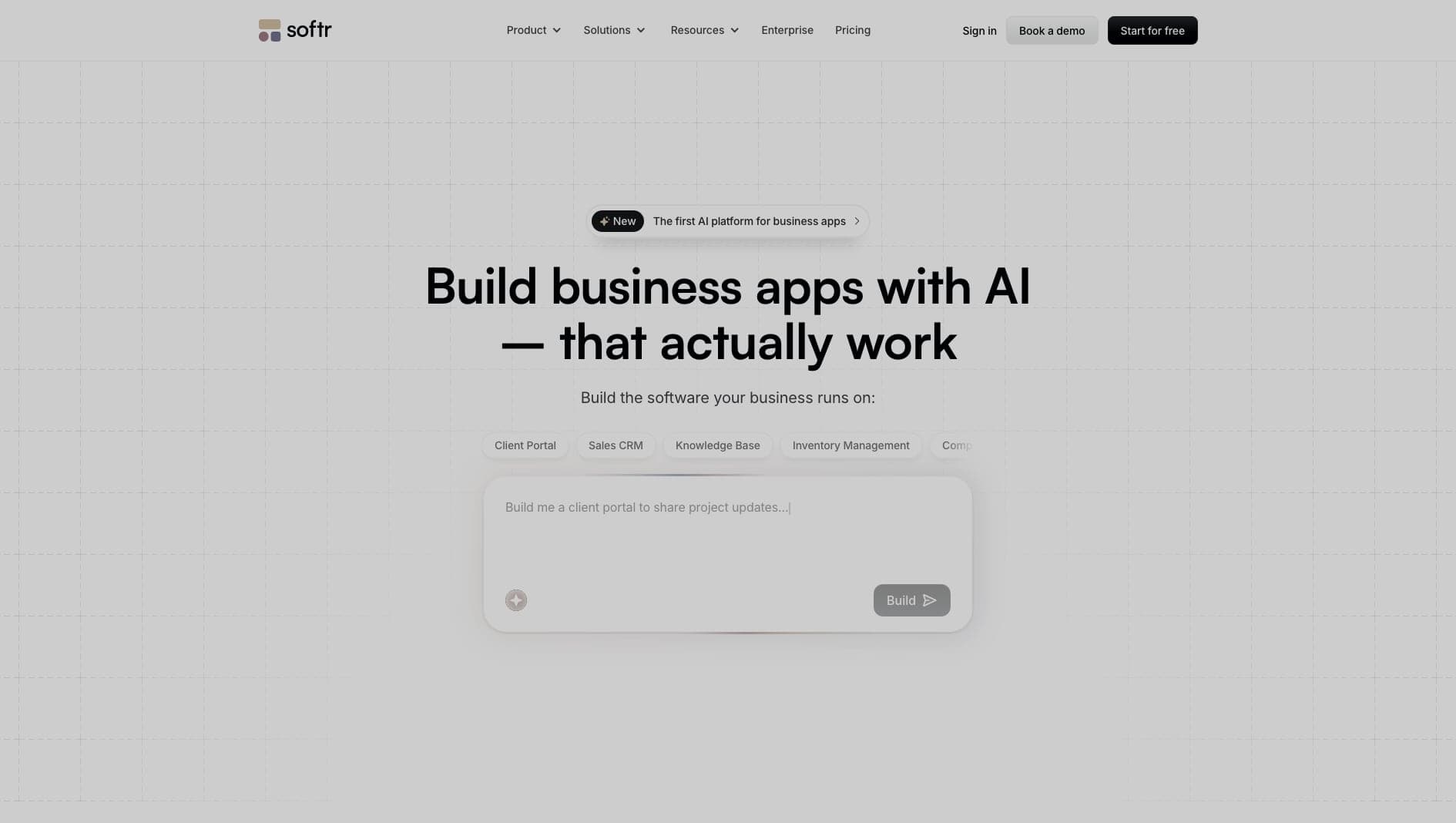
Key Features
Airtable Native
Deep, instant two-way sync with Airtable bases.
User Roles
Built-in membership and granular permission controls.
Pre-built Blocks
Assemble pages rapidly using functional UI blocks.
Pros & Cons
What we love
- Fast setup
- Strong Airtable integration
- Great for portals
Where it falls short
- Rigid design system
- Data scale limited by Airtable
Detailed Review
Softr is built for portals, directories, intranets, and lightweight web apps that sit on top of data sources such as Airtable or Google Sheets. It is especially useful when a team already has structured data and needs a clean interface quickly.
The platform relies on pre-built blocks, which keeps projects moving and reduces design decisions. Its user roles and permissions are also important, because many Softr apps show different records to different customers, employees, or partners.
That structure is also the limitation. Softr is not ideal if you need full design freedom or unusually complex application logic. It works best when the app fits the portal or directory pattern.
Frequently Asked Questions
Can I design my own UI from scratch in Softr?
No. Softr relies on pre-built structural blocks. You can customize colors and typography, but you cannot change the core layout of the blocks.
Is it only for Airtable?
While Airtable is their primary integration, Softr also supports Google Sheets, SmartSuite, and HubSpot.
Can I accept payments?
Yes, Softr has native Stripe integrations for subscriptions and one-time payments.