Stacker: Full Review & Alternatives (2026)
A portal builder for turning Airtable or spreadsheet data into secure internal tools and customer-facing apps.
Visit Website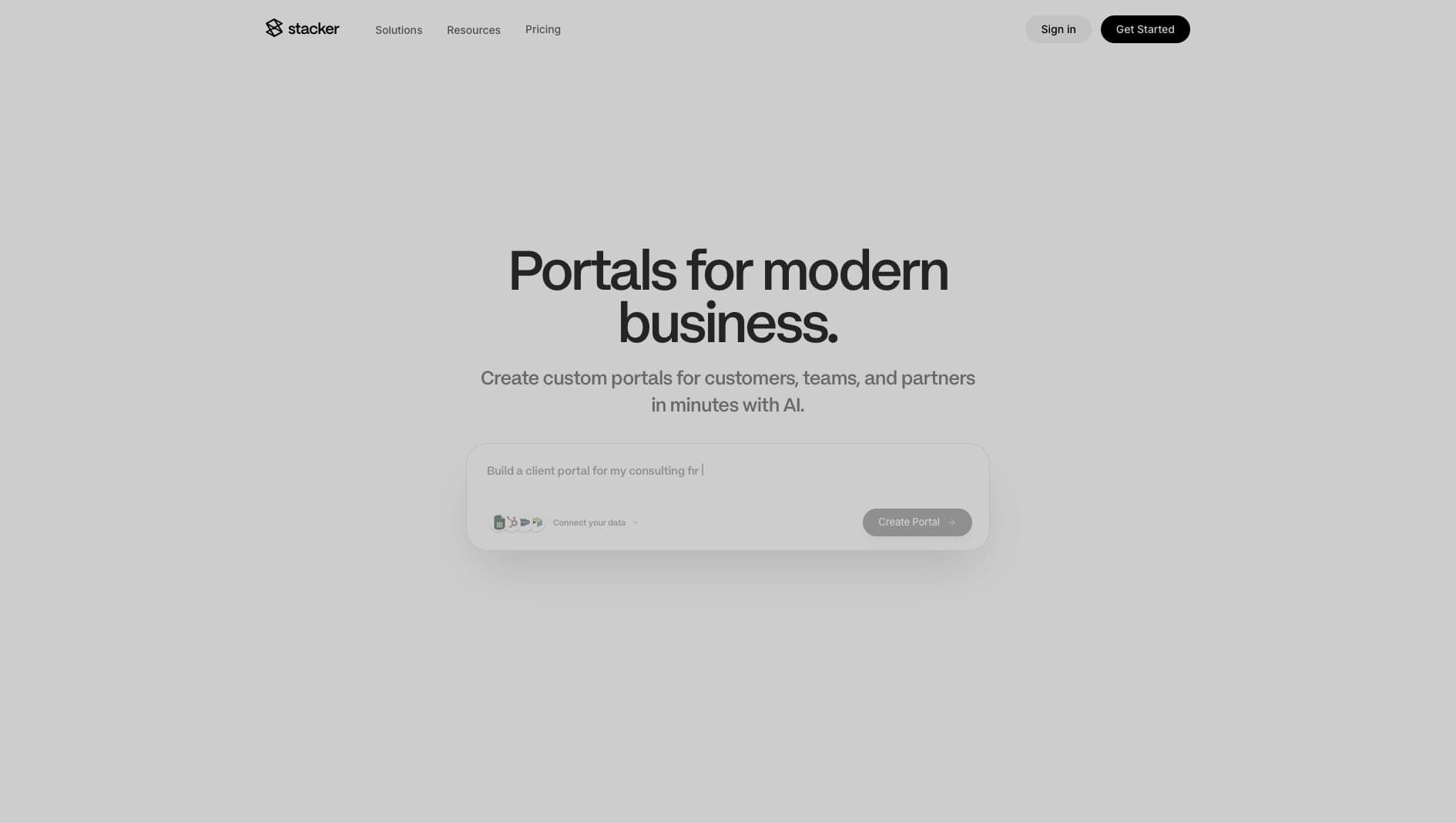
Key Features
Portal Builder
Create CRMs, client portals, and internal apps from existing data.
Integrations
Connect Airtable, Google Sheets, and other business data sources.
Permissions
Control which users can see and edit specific records.
Pros & Cons
What we love
- Clean out-of-the-box UI
- Granular user permissions
- Instant setup
Where it falls short
- Very expensive for small teams
- Highly rigid layouts
Detailed Review
Stacker is designed for portals and internal apps that sit on top of structured data. Teams often use it to create CRMs, client portals, partner dashboards, and approval tools without asking users to work directly inside Airtable or a spreadsheet.
Its permissions model is the main reason to consider it. You can expose only the records a user should see, which makes it useful for customer-facing or team-specific workflows.
The tradeoff is flexibility. Stacker keeps the build process controlled and fast, but layouts can feel rigid and pricing may be difficult for smaller teams. It is strongest when the portal pattern matches the business need.
Frequently Asked Questions
Is Stacker good for beginners?
Yes. Stacker is approachable for operations teams, especially when the underlying data model is already clear.
Can I move data out of Stacker?
Your underlying data usually remains in the connected source, such as Airtable or Google Sheets. The Stacker app itself would need to be recreated if you switch platforms.
What is Stacker best for?
Stacker is best for portals, CRMs, and internal apps where users need controlled access to records from an existing data source.