Appsmith: Full Review & Alternatives (2026)
An open-source platform for building internal tools, dashboards, and admin panels with JavaScript where needed.
Visit Website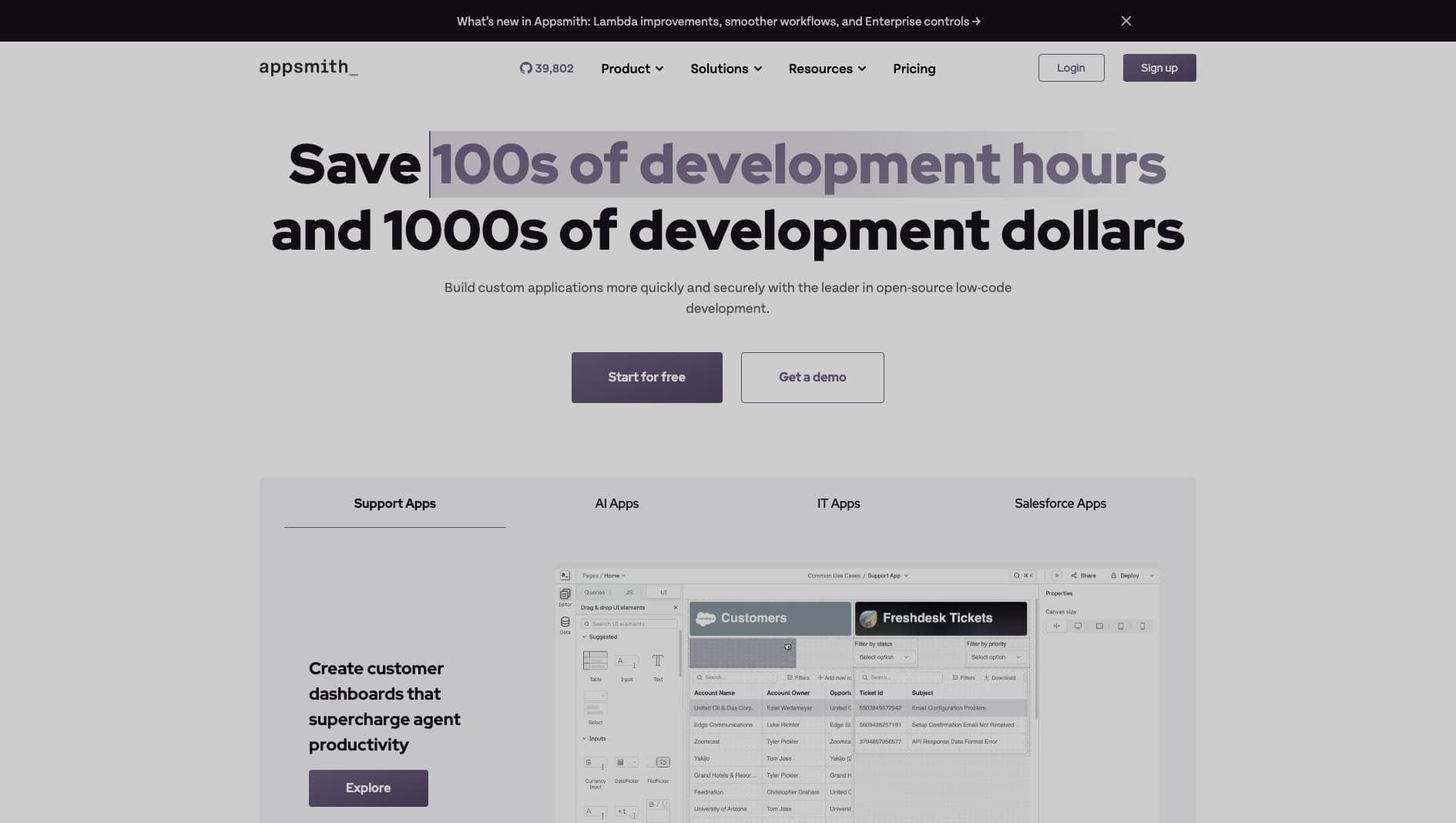
Key Features
Internal Apps
Build dashboards, admin panels, and CRUD interfaces visually.
Integrations
Connect databases, APIs, SaaS tools, and custom services.
JavaScript
Use JavaScript to transform data and customize behavior.
Pros & Cons
What we love
- Open-source and self-hostable
- Write JS anywhere
- Git version control built-in
Where it falls short
- UI components are basic
- Mobile responsiveness can be tricky
Detailed Review
Appsmith is a practical option for teams that want open-source internal tooling. It lets developers connect data sources, build UI screens, write JavaScript transformations, and deploy admin tools without starting every internal app from scratch.
It is strongest for dashboards, operations tools, support panels, and database-backed workflows. Git integration and self-hosting are useful for teams that want more control than a hosted-only internal tool builder provides.
The UI layer is more functional than polished, so it is not the right tool for customer-facing products. For internal teams that value ownership and speed, Appsmith is a solid alternative to proprietary platforms.
Frequently Asked Questions
Is Appsmith good for beginners?
Yes, especially for developers and technical operators. Non-technical users may need help with data bindings and JavaScript.
Can I self-host Appsmith?
Appsmith is open-source and supports self-hosting, which gives teams more control than most closed internal tool builders.
What is Appsmith best for?
It is best for internal dashboards, admin panels, support tools, and database-backed workflows.