DronaHQ: Full Review & Alternatives (2026)
A low-code builder for internal tools, approval flows, portals, and operations apps.
Visit Website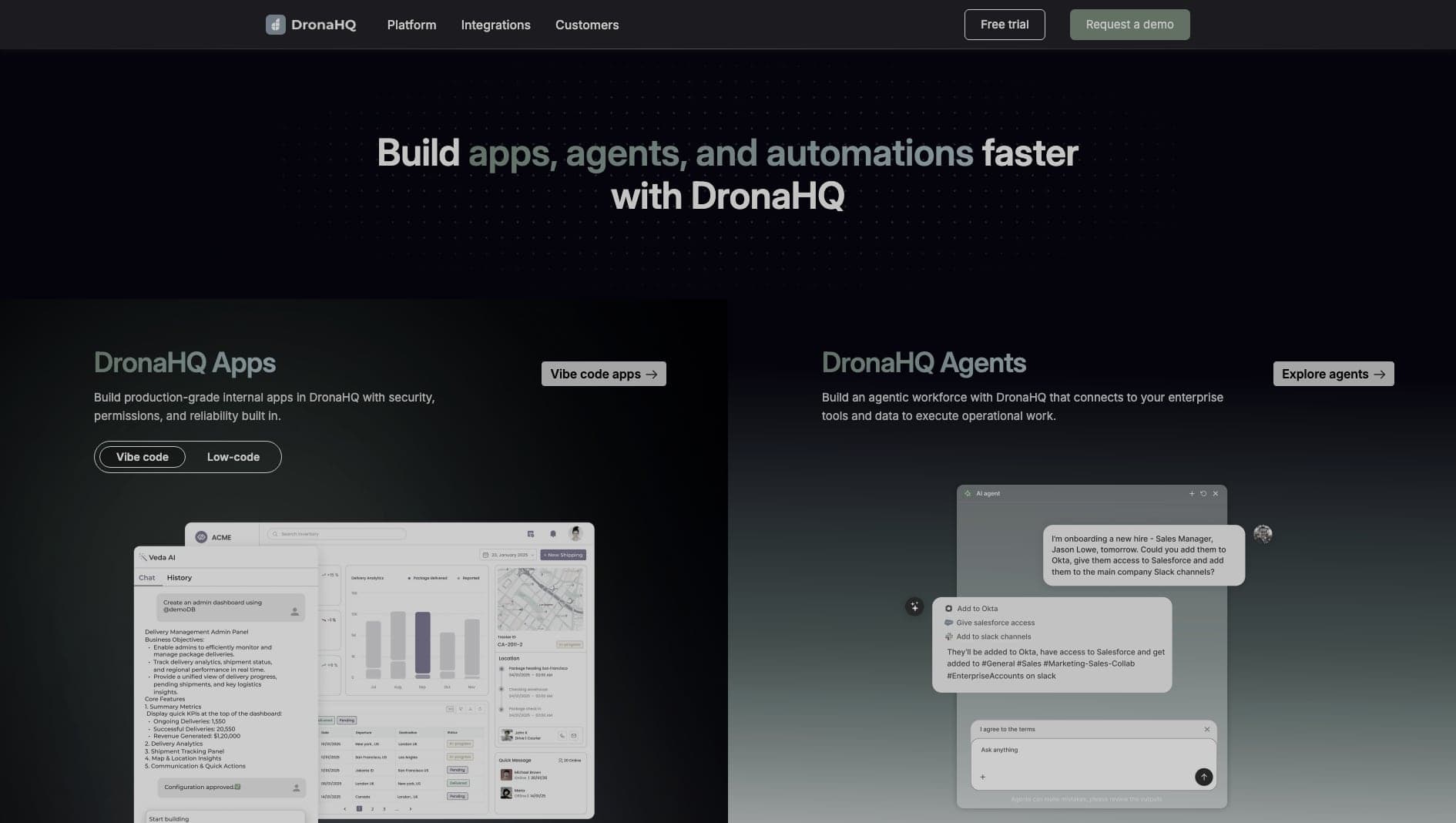
Key Features
App Builder
Build internal tools and portals with prebuilt UI components.
Integrations
Connect databases, APIs, SaaS tools, and business systems.
Action Flows
Model multi-step business actions and approval workflows.
Pros & Cons
What we love
- Extensive UI control
- Great action flows
- Supports complex micro-apps
Where it falls short
- Pricing can scale quickly
- Interface feels slightly cluttered
Detailed Review
DronaHQ is focused on internal tools and operational apps, especially where teams need forms, approval flows, dashboards, and custom workflows connected to existing systems.
It offers more UI and workflow control than many lightweight portal builders, which makes it useful for operations-heavy teams. Connectors, action flows, and micro-app patterns help teams digitize processes that would otherwise live in spreadsheets and email threads.
The interface can feel busy, and pricing should be reviewed carefully as usage grows. DronaHQ is best for teams that need flexible internal apps but do not want to build every workflow from scratch.
Frequently Asked Questions
Is DronaHQ good for beginners?
Yes, especially for technical operations teams. More complex workflows may still need developer involvement.
Can I connect DronaHQ to existing systems?
DronaHQ can connect to external systems through APIs and connectors, but apps built in its builder generally live inside the platform.
Who is DronaHQ best for?
It is best for operations and engineering teams building internal workflows, approvals, and business apps on top of existing systems.