FlutterFlow: Full Review & Alternatives (2026)
Build native iOS, Android, and web applications visually using Flutter.
Visit Website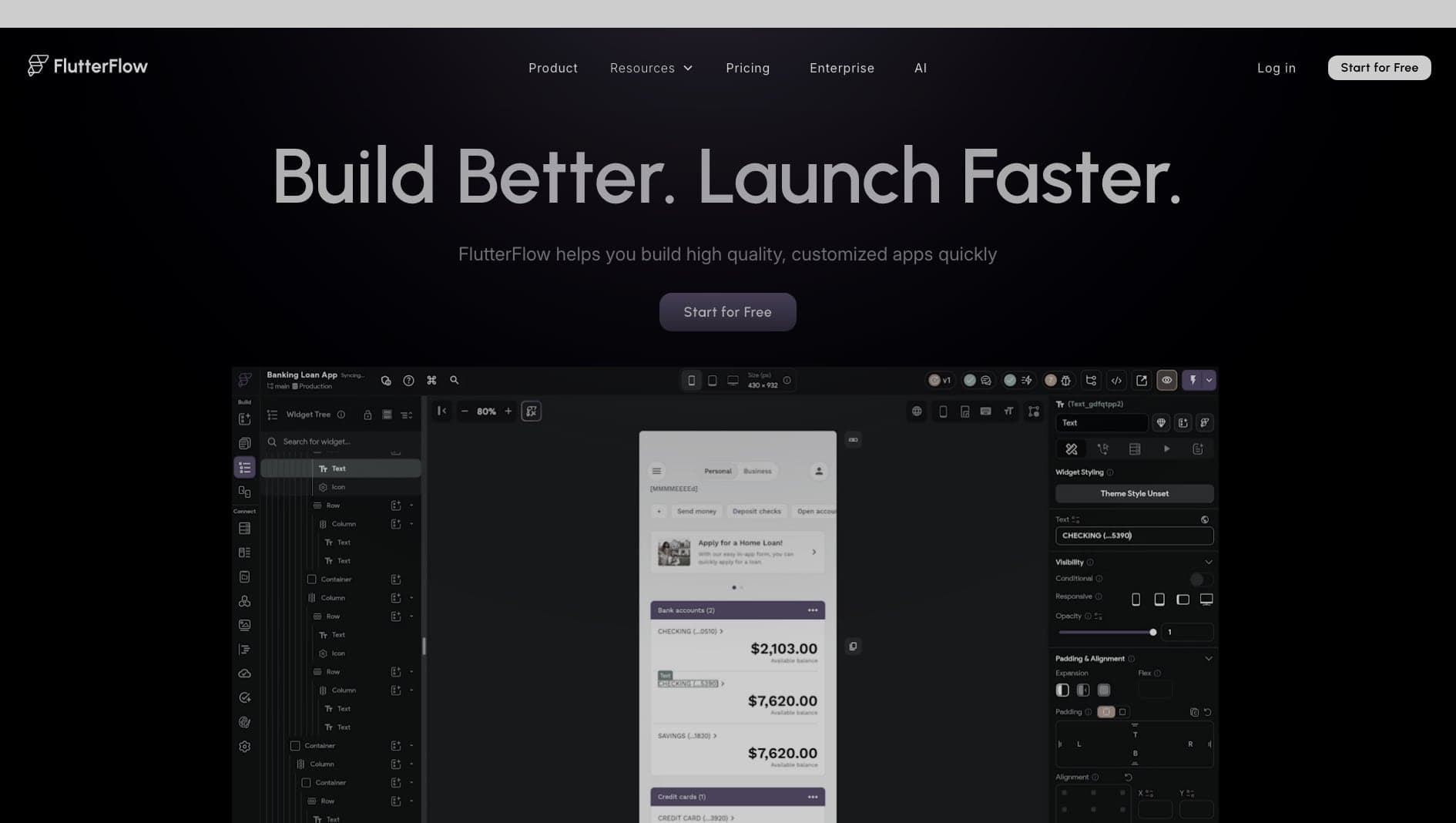
Key Features
Native Apps
Compiles to true native iOS and Android apps.
Code Export
Export clean Flutter code at any time.
Firebase
Deep integration with Firebase for backend services.
Pros & Cons
What we love
- True native performance
- Code export prevents lock-in
- Rapid deployment
Where it falls short
- UI builder can be rigid
- Requires some understanding of state
Detailed Review
FlutterFlow gives teams a visual layer on top of Flutter, which makes it useful for building mobile apps without starting every screen from code. Unlike builders that rely mostly on webviews, FlutterFlow is centered on native mobile output and can export Flutter code.
It works especially well with Firebase, but it can also connect to custom APIs and support more advanced app logic. That makes it practical for MVPs, internal mobile tools, and teams that want designers and developers to collaborate around the same app structure.
The editor is still technical. You do not need to be a Flutter expert to begin, but understanding state, APIs, and app architecture will make the difference between a quick prototype and something maintainable.
Frequently Asked Questions
Can I add custom code to FlutterFlow?
Yes, you can write custom Dart functions and widgets directly within the editor.
Do I need to know Flutter?
No, but understanding basic programming concepts like variables, state, and API requests helps immensely.
Can it build web apps?
Yes, FlutterFlow can deploy to the web, though its primary strength is native mobile.